Aviator App Download: APK, Android and Safe Mobile Play

Aviator does not need a random APK to run. The safest first option is the mobile browser: open the casino site, log in, find Aviator in the game lobby, and test demo mode before using real money. An app can be convenient later, but only when the source is clearly connected to the same casino account.

Aviator app download banner for iOS and Android with red plane and mobile symbols

The dangerous part of an Aviator app download is not the game. It is the file source. A clean app simply opens the casino account and game lobby. A risky APK asks for unnecessary permissions, promises better multipliers, pushes “mod” features, or sends the player through unknown links before installation.

The file should never be treated as a shortcut to better results. Mobile access changes convenience, not the crash point. The same cashout rules, bankroll limits, and withdrawal checks apply whether the game opens in a browser or inside an app.

mobile firstBrowser before APKInstall only when the source is tied to the same casino account.
App safety scan

Mobile access should prove source, account, and permissions
A clean app opens the same lobby and cashier. A risky APK promises shortcuts, asks for unrelated permissions, or sends the player through unknown files.
SourceSame account area as the casino site.
InstallUnknown app permission only when needed.
RejectNo mod files, hacks, or fixed crash claims.

Best Way to Play on Mobile

The practical order is simple:

  1. Start with the mobile browser.
  2. Check that Aviator opens from the casino lobby.
  3. Test demo mode.
  4. Use an app only if the casino clearly provides it.
  5. Avoid modified APK files.

Browser play is enough for most players. It avoids installation, keeps the URL visible, and removes the need to allow unknown app installs on Android.

Mobile Option When It Makes Sense Main Risk
Mobile browser First test, demo mode, quick access Needs stable internet and a correct URL
Official casino app Regular use on one verified platform Must come from the casino source
APK file Only when the casino provides it directly Unknown files can be unsafe
Mod APK Avoid False promises, malware risk, account risk

The safest Aviator game download is not the fastest file. It is the path that lets the player verify the source before logging in.

For players in Bangladesh, the same rule applies: download only when the source is clear. A file labeled as a BD APK or regional mobile version still needs the same checks as any other Android installer.

Mobile data quality also matters. Aviator rounds move quickly, and a weak connection can turn a planned cashout into a missed exit. Browser mode is useful for testing the connection before any install.

Android App vs APK

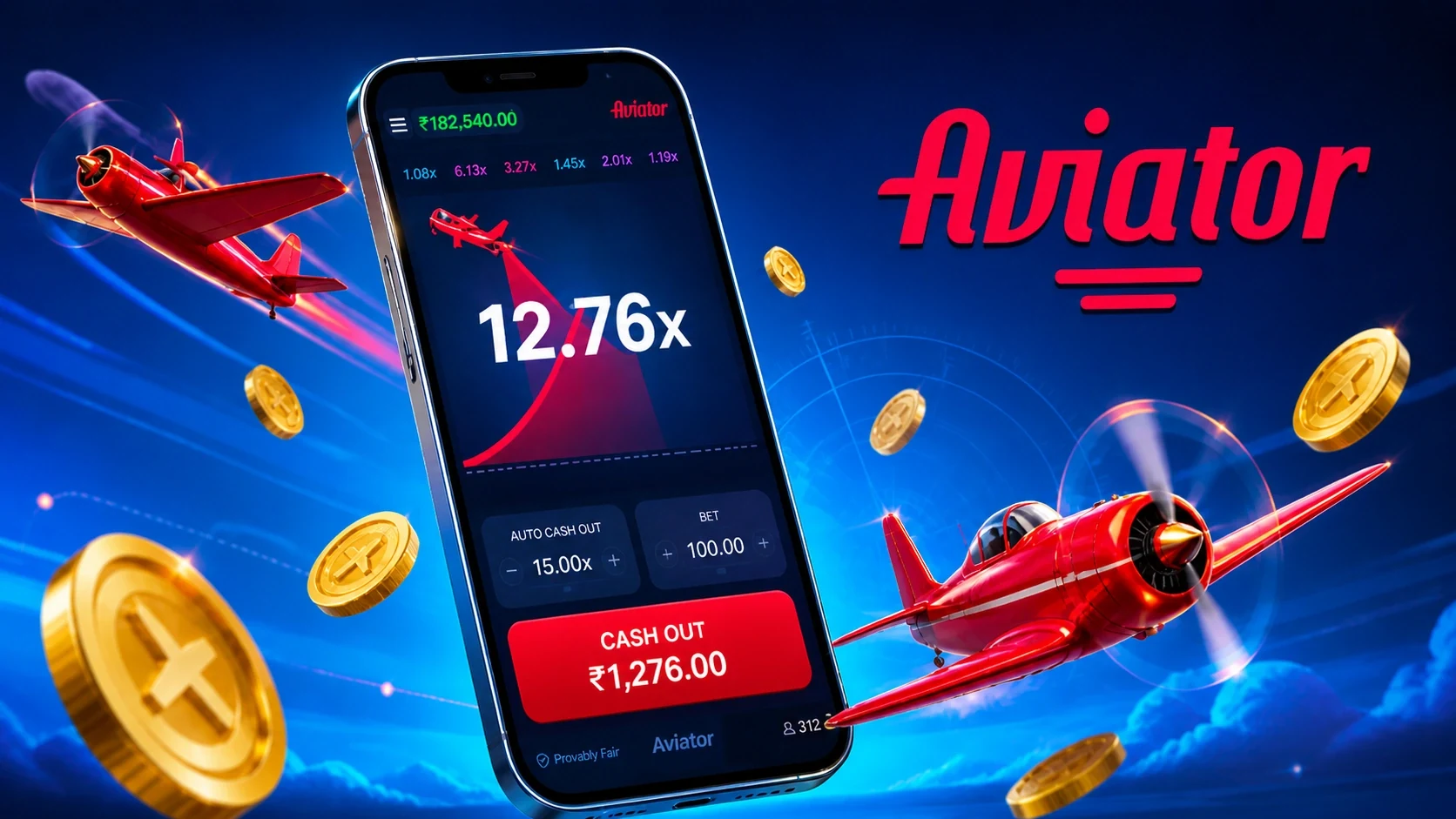
Aviator mobile app promo with phone screen, multiplier, planes and coins

An Android app can come from an app store or as an APK file. An APK is the installation package Android uses when an app is installed outside the usual store flow.

This matters because APK installation often requires permission to install unknown apps. That setting gives the selected browser or file manager permission to install packages. If the source is weak, the phone has less protection.

For Aviator, an APK is not automatically bad. The problem is the source. A file from a verified casino account area is different from a file promoted by a signal group, social post, or download mirror.

Unknown app permission should be temporary. Allow it for the download, install the app, then turn it off again. Leaving it enabled makes later accidental installs easier, especially if the browser is used for other gambling pages or file downloads.

When players search for an Aviator game app, they usually need mobile access to the casino lobby, not a separate version of the game. An Android APK should be treated as an installer for the casino app, not as a tool that changes Aviator itself.

Use this rule: if the same page also promises a predictor, hack, unlimited balance, or guaranteed cashout, do not install the file.

The best app for the Aviator game is the one that opens the real account safely, loads the game lobby without errors, and keeps deposits and withdrawals inside the same casino account. A flashy download page is less important than source, permissions, and account security.

Safe APK Checklist

Check Safe Sign Warning Sign
Source Linked from the casino account or official site area Random file host, short link, chat group
Permissions Basic app permissions only Contacts, SMS, accessibility, or unusual device access
Claims Normal app access Better multipliers, hacked rounds, guaranteed signals
Login Uses the normal casino login flow Separate fake login screen
Updates Clear version and update path Unknown version, forced reinstall, no changelog
Security Play Protect enabled and no warning Android warns about harmful behavior

Do not ignore Android warnings during installation. A warning does not always mean the app is malicious, but it is enough reason to stop and verify the file source.

Play Protect should stay enabled. It is not a perfect filter, but it adds another layer before and after installation. If Android blocks or flags the file, do not look for a “bypass” version.

How to Download Safely on Android

Use this flow only after the casino source is clear.

  1. Open the casino site in the mobile browser.
  2. Log in through the normal account page.
  3. Find the app or download section inside the account area.
  4. Read the file name, version, and installation note.
  5. Download the APK only from that page.
  6. Allow installation only for the browser used for the download.
  7. Install the app.
  8. Turn off unknown app installation again.
  9. Open the app and confirm that the account balance and game lobby match the website.

If the app asks for unrelated permissions, uninstall it. Aviator play does not require access to contacts, SMS, call logs, or accessibility controls.

After installation, open the app once and compare it with the browser version. The account name, balance, cashier, and game lobby should match. Any mismatch is a reason to stop before depositing.

Play Store Availability

Some casino apps are not available in every country or app store. That does not automatically mean the platform is fake. Gambling rules, store policies, and payment restrictions can affect app availability.

The safe response is not to search for the first APK mirror. Check the casino website first. If the casino provides a mobile web version, use that before installing anything.

When an app is available through a trusted store, check:

  • app name and developer information;
  • recent update date;
  • data safety information;
  • reviews that mention login and withdrawals;
  • permissions requested by the app.

Store availability is convenient, but it does not remove the need to check the casino itself.

If a trusted store version is missing, the mobile browser is the safer fallback. A missing store listing is not a reason to install the first Aviator APK found in search results.

Browser Play

Browser play is often the best option for beginners. It does not require installation, and it works on Android, iPhone, and desktop.

The browser route:

  1. Open the casino site.
  2. Log in or create an account.
  3. Search for Aviator in the game lobby.
  4. Start demo mode.
  5. Set stake and auto cashout before real-money play.

The browser also avoids one common problem: fake standalone apps. If a player can access the real game from the lobby, there is no need to chase a separate file.

Game rules, cashout timing, and first-session setup are explained in the how to play Aviator article.

Browser play is also easier to audit. The player can see the domain, bookmark the account page, and close the tab after the session. With an unknown app, the source becomes harder to inspect after installation.

Aviator on PC

Aviator does not need a special PC download. The desktop browser is enough, so a Windows installer for the game should be treated with caution.

PC play can be useful for players who want a larger screen, easier table reading, and more stable typing during registration or verification. The game mechanics stay the same: bet before takeoff, cash out before the crash, and use a fixed session limit.

Avoid PC “installer” files that claim to unlock Aviator. A real casino game should open in the browser after login. A separate Windows installer is usually unnecessary and creates extra risk.

The same logic applies to an APK download for Android. The file should only help open the casino app. It should not promise a different version of the Aviator game, better betting results, or special cashout control.

For desktop users, the safest setup is a normal browser, a secure account password, and a stable connection. A separate executable adds risk without improving the game.

Mod APK and Hack Files

Modified APK files are the biggest risk in this search intent. They often promise one of these benefits:

  • better odds;
  • unlocked premium predictor;
  • fixed crash point;
  • unlimited balance;
  • hidden signal mode;
  • faster cashout;
  • guaranteed profit.

These claims do not fit a legitimate crash game. An app can open the game. It cannot change the next multiplier. A file that promises to beat the game is selling an illusion, not a technical advantage.

The Aviator predictor article explains why outside tools cannot know the next crash point before takeoff.

The wording around these files is often aggressive: “latest version,” “premium unlocked,” “signal mode,” or “safe crash.” Those phrases are designed to make the download feel urgent. A real mobile app does not need that pressure.

App Permissions

Permissions show what an app can access on the phone. A gambling app may need internet access, notifications, camera access for document verification, or storage access for uploads. It should not need permissions unrelated to account use.

Permission Request Normal Use When to Stop
Notifications Account alerts, promos, security messages Constant spam or forced permission
Camera KYC document upload Camera required before account use
Storage/photos Uploading verification files Broad file access with no reason
Contacts Not needed for normal play Any request for contacts is a red flag
SMS/call logs Not needed for gameplay Strong warning sign
Accessibility Not needed for casino play Avoid installation

If a permission does not make sense, do not approve it. A safe app should work without demanding control over private phone data.

Permissions can also change after an update. If an app that worked normally suddenly asks for broader access, pause the update and verify the source again.

Updating the App

Updates should come from the same source as the original download. Do not install update files from chats, popups, or unknown mirrors.

A normal update process has a clear version, a known source, and no pressure. A risky update uses urgent language such as “install now or account will be blocked” or “new signal engine required.” That kind of message is designed to rush the player.

When in doubt, open the casino website directly and check the app section from there.

Do not update from popups inside unrelated pages. A safe update path should be boring: same source, same account, clear version, no extra payment.

After Installation

After installing an app, check it before depositing.

  1. Confirm the URL or source was correct.
  2. Log in with the normal account.
  3. Check that the balance matches the website.
  4. Open Aviator from the lobby.
  5. Test demo mode.
  6. Check deposit and withdrawal pages.
  7. Set account security options if available.

Do not deposit into an app that does not match the browser account. Do not continue if the app asks for a second wallet, private payment, or separate activation fee.

A clean installation should feel uneventful. The app opens, the account matches, Aviator loads from the lobby, and the cashier behaves the same as the website. Anything more complicated deserves a second check.

Bangladesh Mobile Notes

Players in Bangladesh often use Android phones, mobile data, and local payment methods. That makes mobile stability important.

Before real-money play:

  • test the game on the same connection used for betting;
  • avoid playing during unstable mobile data;
  • keep the phone charged;
  • close heavy background apps;
  • use auto cashout to reduce reaction-time pressure;
  • avoid public Wi-Fi for account login.

Aviator rounds are fast. A weak connection can turn a planned cashout into a missed cashout.

For Android users in Bangladesh, the best app is not the one with the boldest download button. It is the one that loads consistently, keeps the account flow clear, and does not ask for permissions beyond normal casino use.

Common Download Problems

Several issues appear often during installation.

If the APK will not install, the phone may be blocking unknown apps for that browser or file manager. Turn the permission on only for the installation, then turn it off again.

If the app installs but does not open, remove it and return to the browser version. Do not download a second file from a different source just because a popup recommends it.

If the app opens but the balance is different from the website, stop before depositing. The account connection is not confirmed.

If Aviator does not appear inside the app lobby, check the browser lobby. A platform can offer different mobile layouts, but the account should still make game access clear.

If the app asks for a new payment step before the game opens, treat that as a warning sign. A normal casino app uses the same cashier as the account.

Install only after the platform passes checks.Confirm account access, cashier rules, and game availability before using an app for deposits.

FAQ

Is there an Aviator app?

Many casinos offer mobile access through a browser or app. The safe option is the one provided through the casino account or official site area.

Do I need an APK to play Aviator?

No. Most players can use the mobile browser. An APK is only worth considering when the source is clear and the casino provides it directly.

Is an Aviator APK safe?

An APK can be safe or unsafe depending on the source. Random download pages, short links, and files promoted with hack claims should be avoided.

Can I download Aviator from the Play Store?

Availability depends on country, platform rules, and the casino operator. If a trusted store version is not available, use the mobile browser before looking for an APK.

What is the safest way to install an APK?

Download it only from the casino account area, keep Play Protect enabled, review permissions, install it once, and turn off unknown app installation afterward.

Should I use a mod APK?

No. A mod APK cannot improve the crash result and can create device, account, and payment risks.

Can I play Aviator on PC?

Yes. Use the desktop browser. A separate PC installer is not needed.

Why does an app ask for permissions?

Some permissions support notifications or document upload. Contacts, SMS, call logs, and accessibility access are not needed for normal Aviator play.

What should I check before depositing?

Check that the app matches the browser account, Aviator opens from the lobby, withdrawal rules are clear, and the payment method works in your location.

Does the app change the game result?

No. The app is only an access method. It does not change the multiplier, crash point, or cashout math.